Can I see the sources behind an answer?
Yes. Each part of the answer has a citation shown as a grey chip with a book’s name. Select it to read the source passage.
These steps work on the website and in the Qaf app.
Open and check a passage
-
Select the grey chip with the book’s name to see the book, author and original Arabic passage.
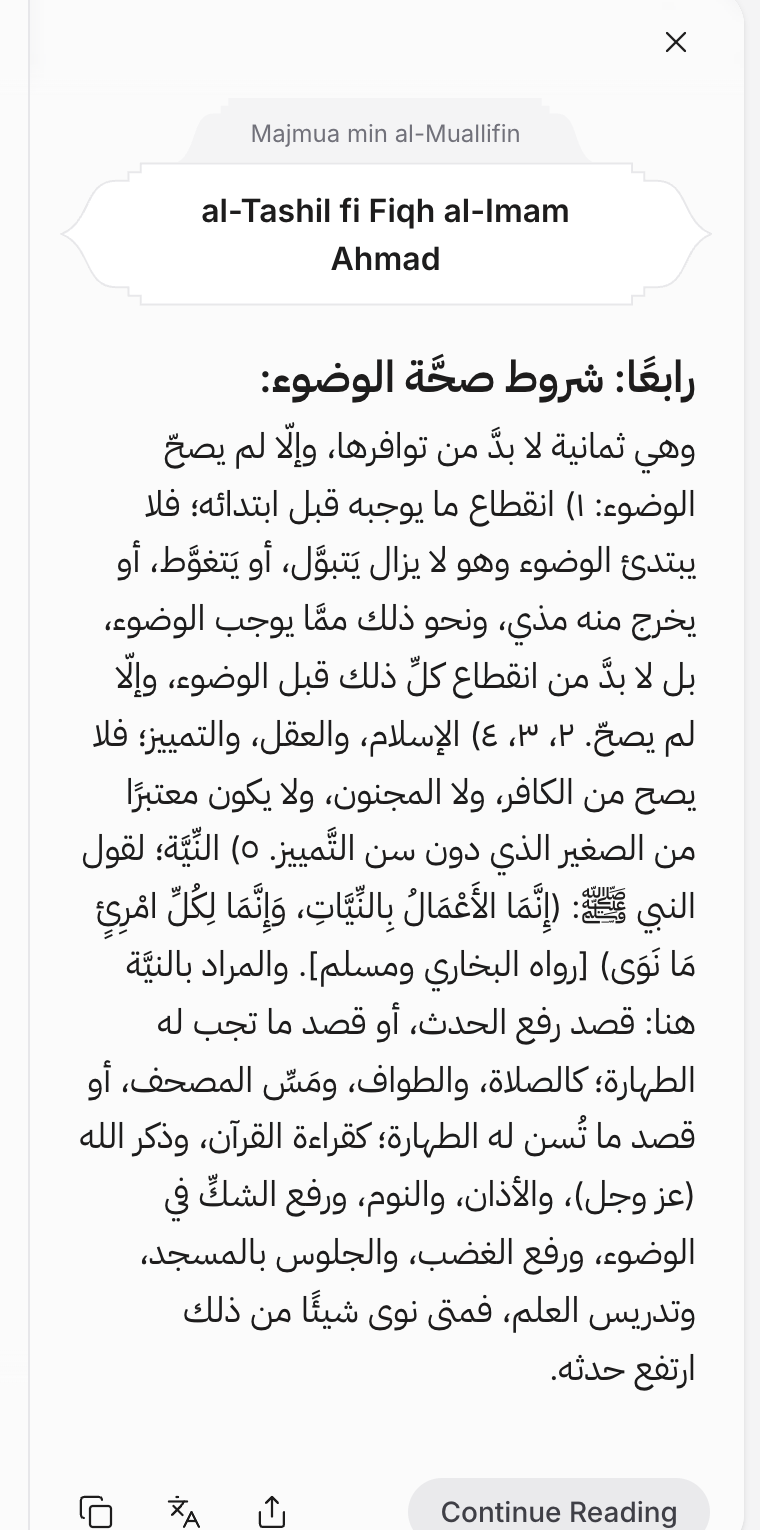
-
If you use Qaf in a language other than Arabic, select the translation icon for an AI translation of the passage. Select the return-arrow icon that replaces it to restore the Arabic text.
-
Select Continue Reading to open the book at the cited page in the Turath.io reader. Read the surrounding text to check the context.
If the source passage or book will not open, email us at contact@qaf.ai.
See the books Qaf searched
Select the line above the answer, such as Searched 12 sources, to open the list of books Qaf searched. The number counts books, not citations in the answer.