Can I gift a Qaf Pro subscription?
Yes. Buy a Qaf Pro gift on the website, then send the recipient its claim link.
Buy and share a gift
Sign in on the website and open the account menu (your name in the sidebar).
-
Select Settings.
-
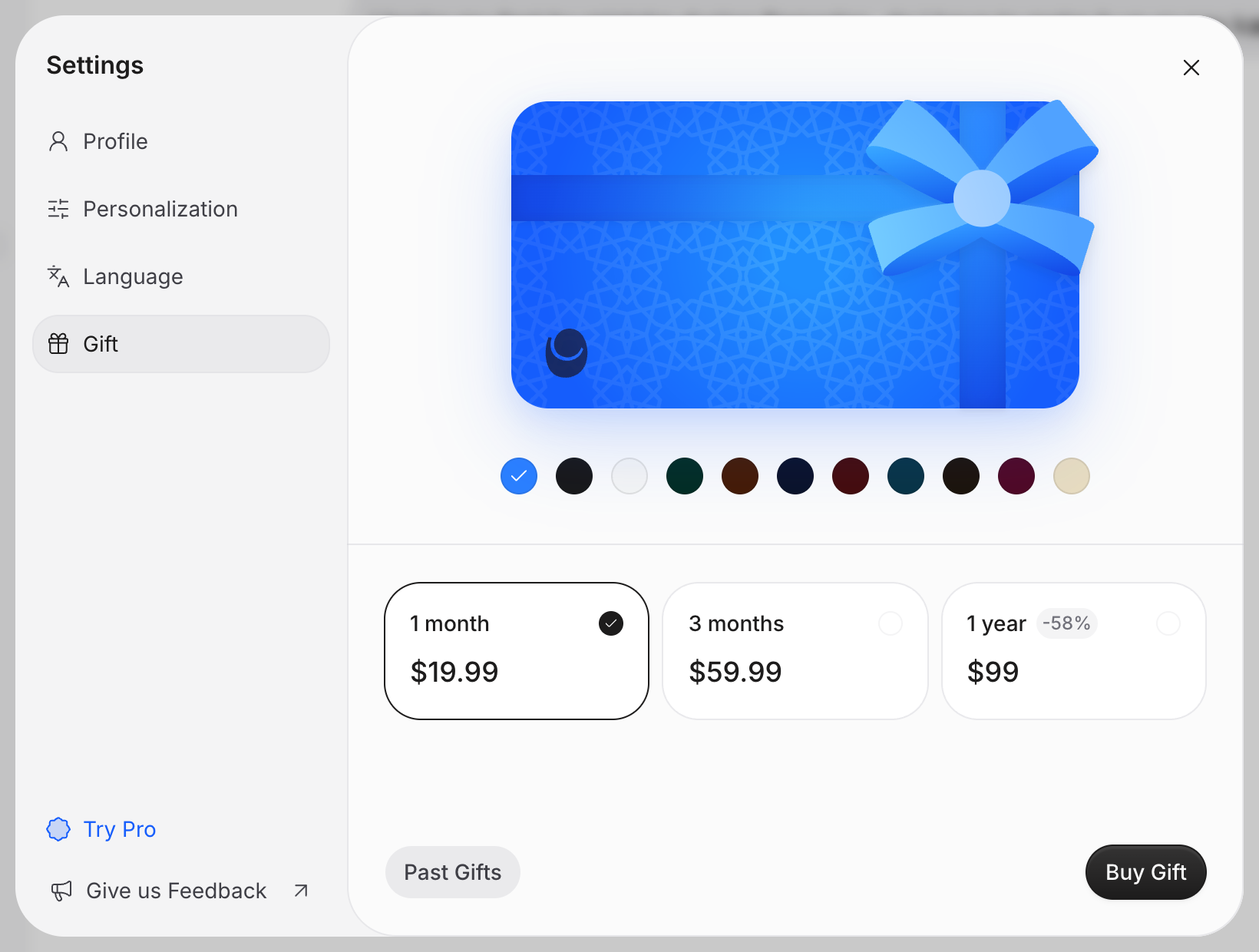
Select Gift.
-
Select a gift duration: 1 month, 3 months or 1 year.
-
Select Buy Gift.
-
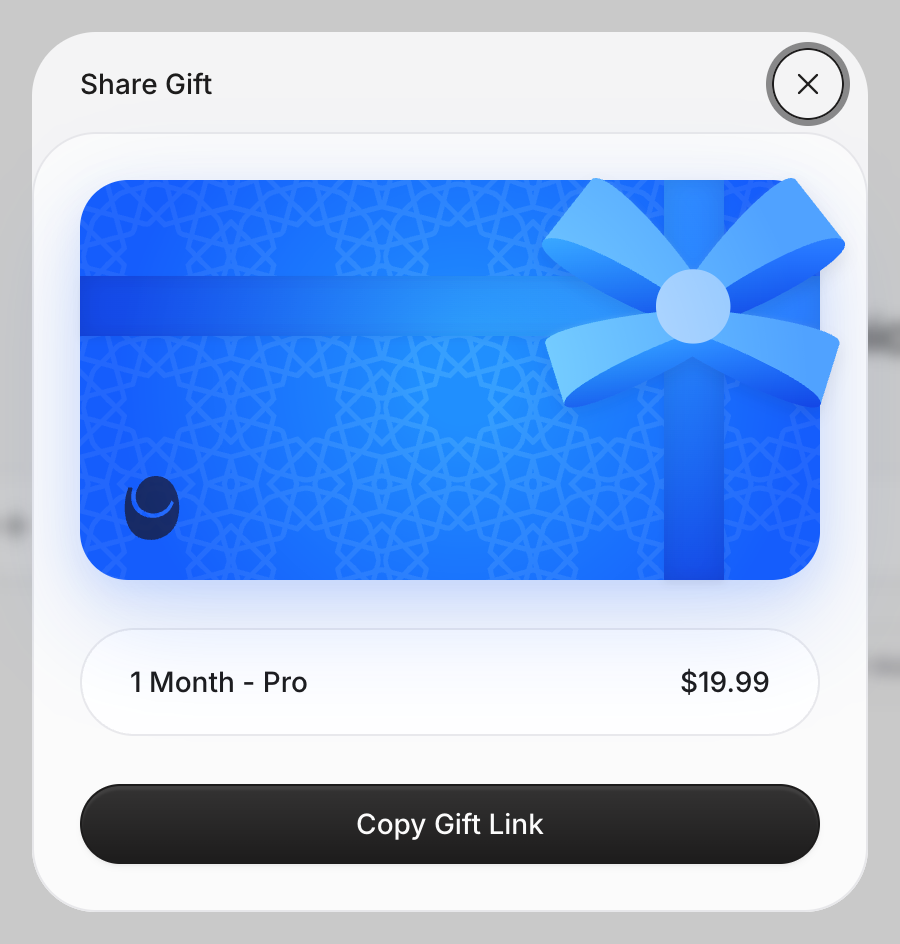
Complete the payment. You return to Qaf, and the Share Gift dialog opens.
-
Select Copy Gift Link.
-
Send the link to the recipient yourself. Qaf does not email it to them.
If you cannot buy or share the gift, email us at contact@qaf.ai.
Claim a gift
You can claim a gift on the website or in the iOS or Android app. An active gift or paid plan on your account prevents you from claiming another gift.
Your Pro starts when you claim the gift, not when it was bought. It lasts for the gift period and does not renew.
- Open the gift link.
- If you are not signed in, select Claim on the website or Sign In to Claim in the app, then sign in.
- Select Claim.
Qaf shows Qaf Pro is now active on your account. If your gift does not activate, email us at contact@qaf.ai.