How do I request a feature or report a bug?
Use the Qaf feedback board to request a feature or report a bug. You do not need to sign in to browse, send feedback or upvote.
Find an existing request
-
Open the Qaf feedback board. The Trending tab opens first.
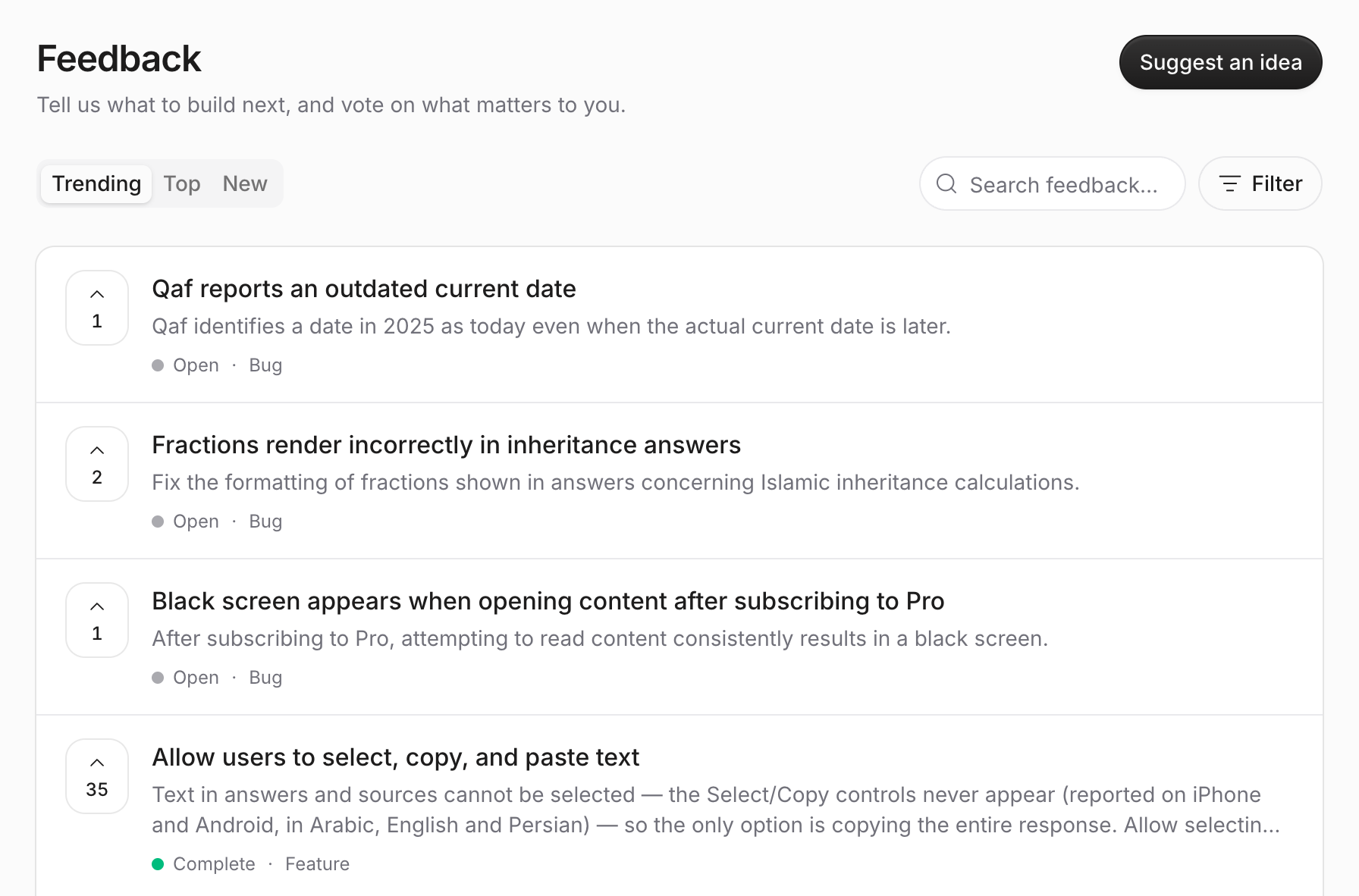
-
Enter a few words in Search feedback… to look for your idea or problem.
- If you find a matching request: select Upvote this idea.
- If no request matches: follow the steps below to send a new one.
Send a new request
-
Select Suggest an idea.
-
Open the Category menu.
-
Select Feature for an idea or Bug for a problem.
-
Describe your idea or what happened in Your feedback. For a bug, include what you expected to happen.
Optional: add a short Title and your Email.
-
Select Send feedback. Your request appears on the board after we review it.
Each request shows a status: Open, Under review, Planned, In progress, Complete, or Closed.
You can also write to us from Settings: select Give us Feedback on the website or Contact Us in the app, or email us at contact@qaf.ai.