How do I sign in to Qaf?
You can sign in to Qaf without a password. Choose a method on the sign-in screen:
- Continue with Google: available on the website and in the Qaf app.
- Continue with Apple: available on the website and iPhone, but not Android.
- Email: follow the steps below with an email inbox you can open.
Web
The website sends a sign-in link by email.
-
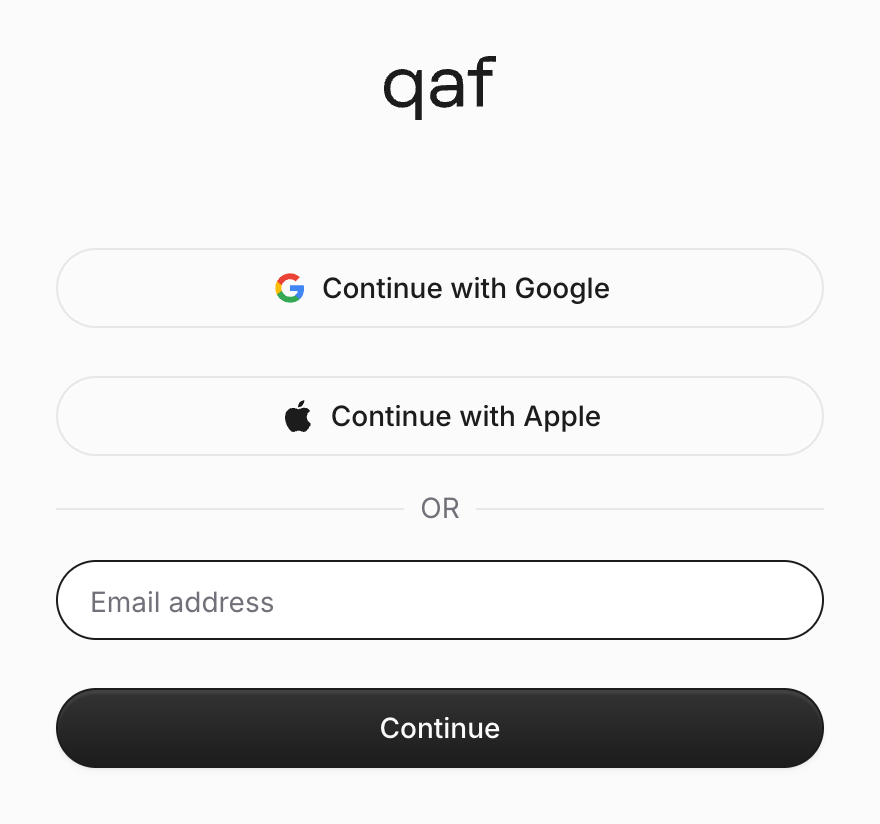
Open the Qaf sign-in page.
-
Enter your address in Email address.
-
Select Continue. Qaf shows Check your email.
-
Open the sign-in email from Qaf.
-
Select Sign in in the email. Qaf opens.
The link expires after a few minutes. If it expires or the email does not arrive, repeat the steps to request a new link.
Check your spam folder too. If you still cannot sign in, email us at contact@qaf.ai.
Mobile
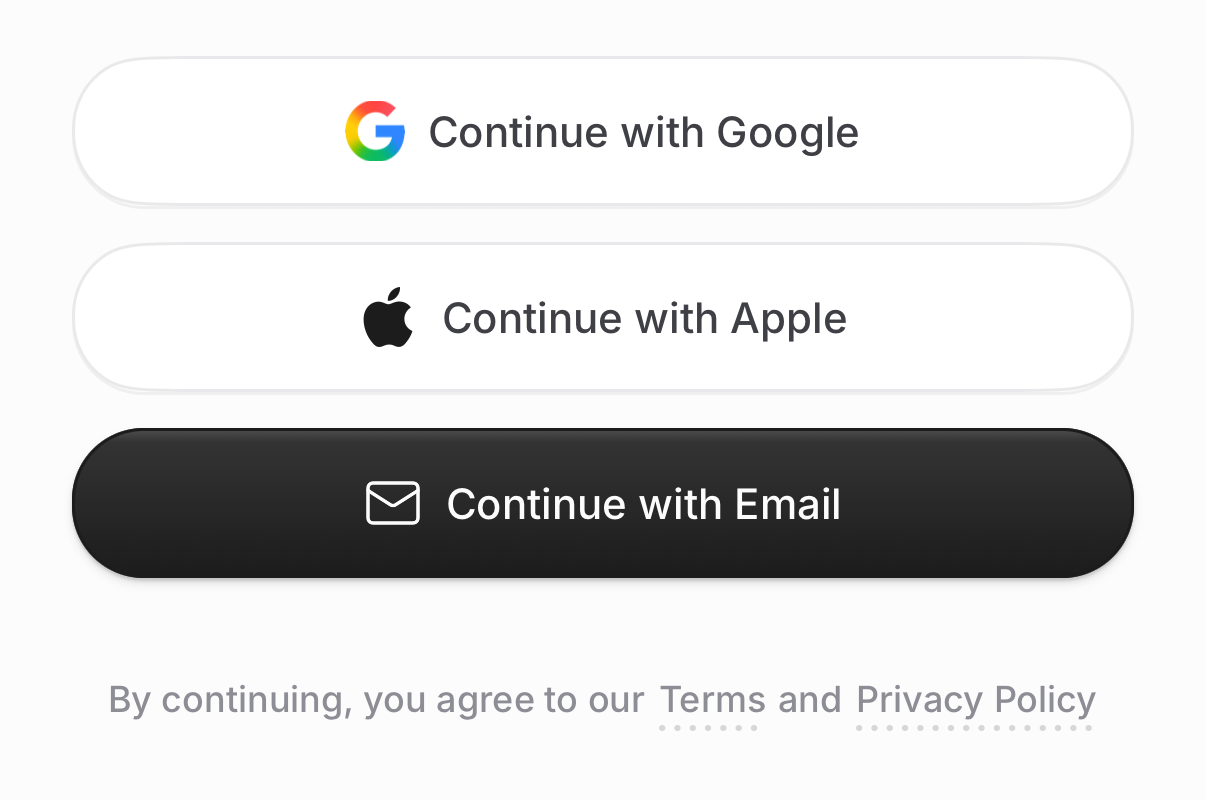
Start on the Qaf app’s sign-in screen.
-
Select Continue with Email.
-
Enter your address in Email address.
-
Select Continue with Email. Qaf shows Check your email.
-
Open the email from Qaf.
-
Enter the 6-digit code in Verification code. Qaf signs you in automatically, and the sign-in screen closes.
The code expires after a few minutes. If it expires or the email does not arrive, select Resend Email when available.
Check your spam folder too. If you still cannot sign in, email us at contact@qaf.ai.