How do I delete my account?
You can delete your account from Profile under Settings, on the website or in the app.
If you have a subscription:
- If you subscribed on the website, deleting your account also cancels your subscription.
- If you subscribed through Apple’s App Store or Google Play, cancel your subscription in that store first. Deleting your account won’t cancel it. Follow the cancellation steps.
Web
Start signed in on the website.
-
Open the account menu (your name or email in the sidebar).
-
Select Settings.
-
Select Profile.
-
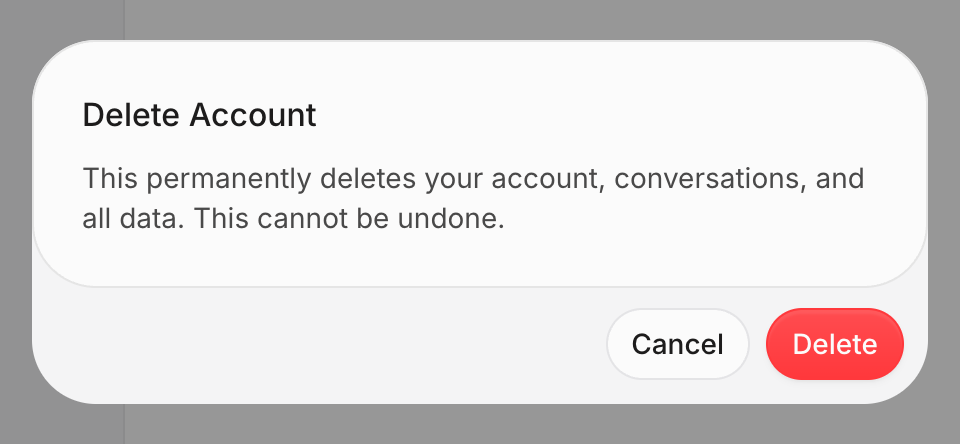
Select Delete next to Delete Account.
-
Select Delete to confirm. Qaf signs you out and returns to the home page, where Sign in is available.
If Qaf shows “Failed to delete account”, email us at contact@qaf.ai.
Mobile
Start signed in to the Qaf app.
-
Select Settings.
-
Select Profile.
-
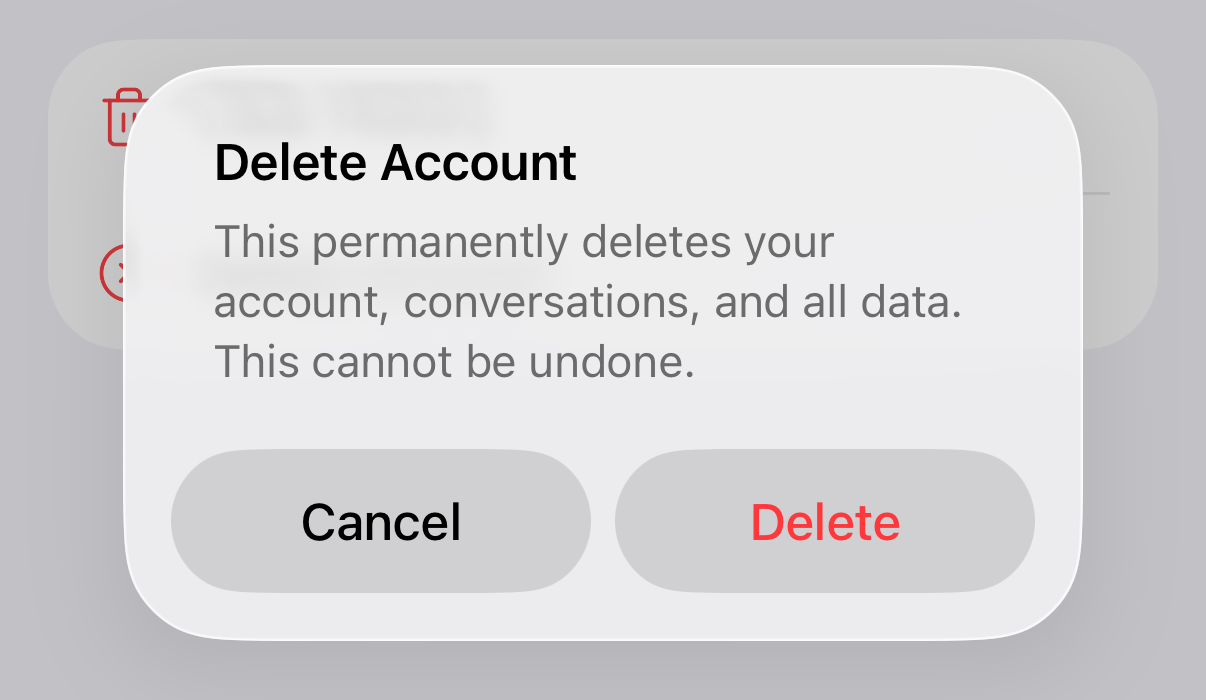
Select Delete Account.
-
Select Delete to confirm. Qaf signs you out and opens the sign-in screen.
If your account does not delete, email us at contact@qaf.ai.